
Free
The full local builder, for anyone.
- Interview, plans, checkpoints, live preview and publishing
- Every connection and every engine
- Sign in with Google, Microsoft, GitHub or email
Describe an app in plain words. Jig builds it on your computer with the AI you already use, keeps every project as a folder you own, and gives IT the controls they ask for.
Free for macOS, Windows and Linux.
Runs Claude Code today, on your own plan or your company’s Bedrock, Vertex AI or Foundry account, with Codex and opencode as experimental engines. Jig is free, and never bills you for AI.
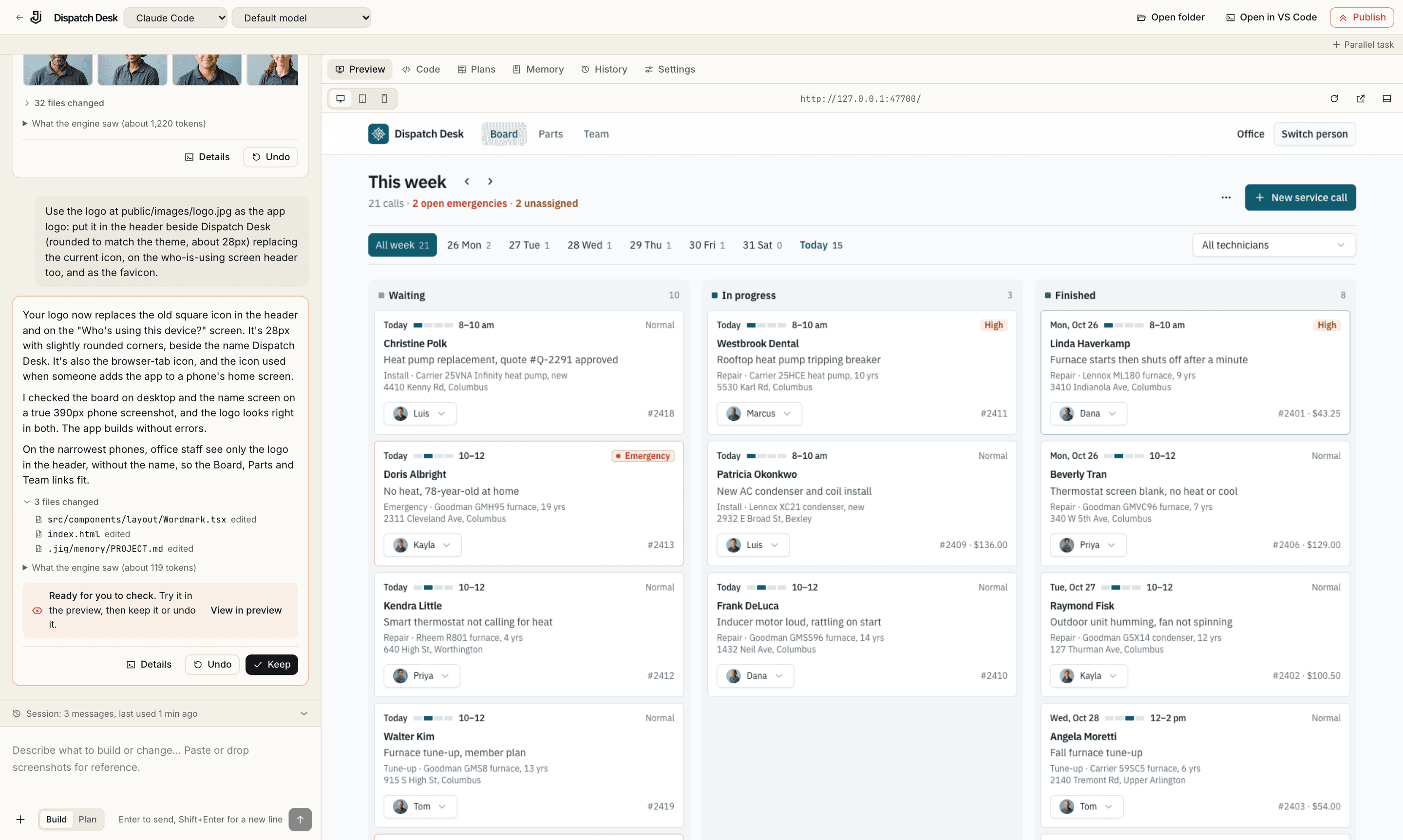
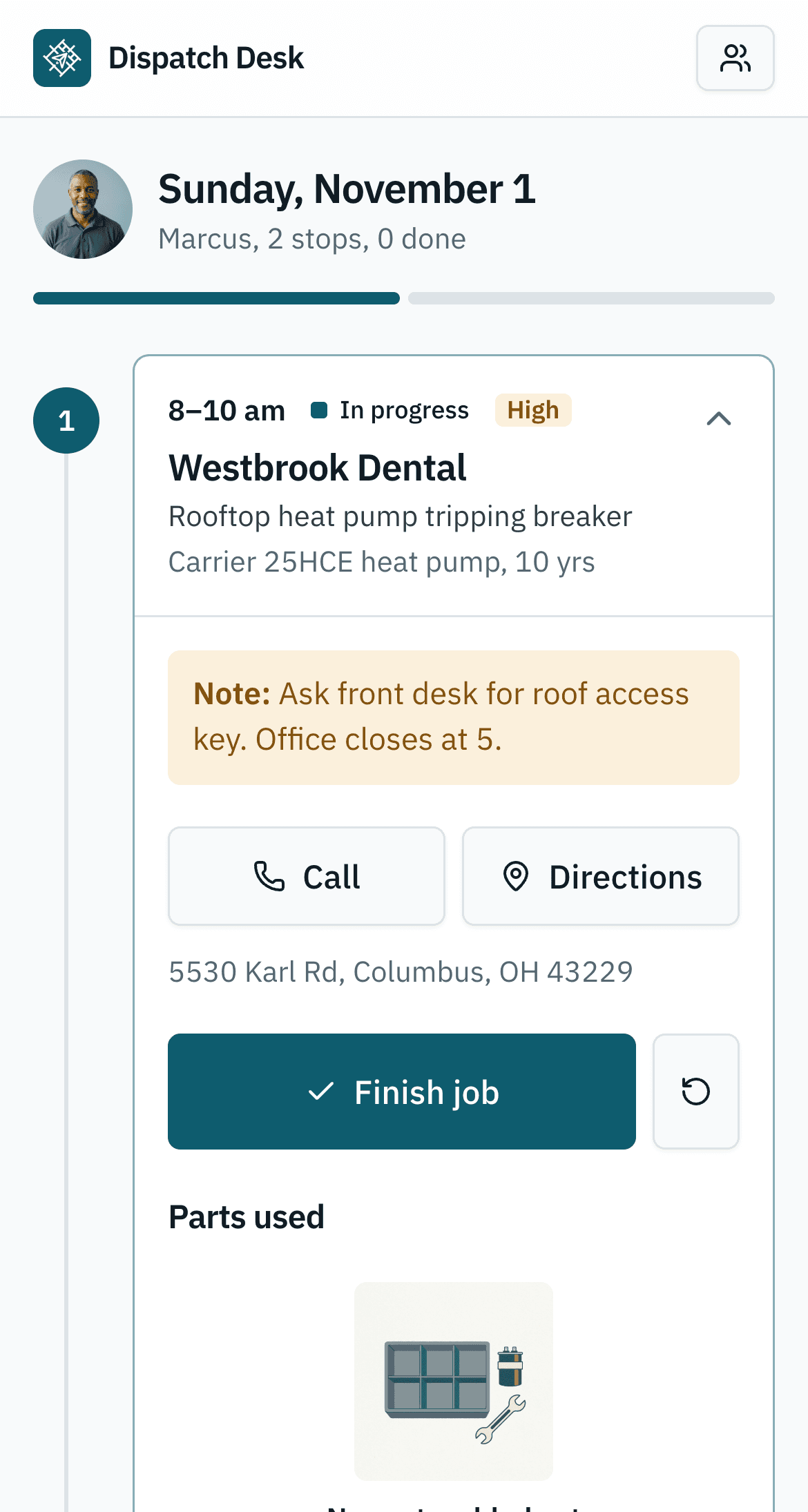
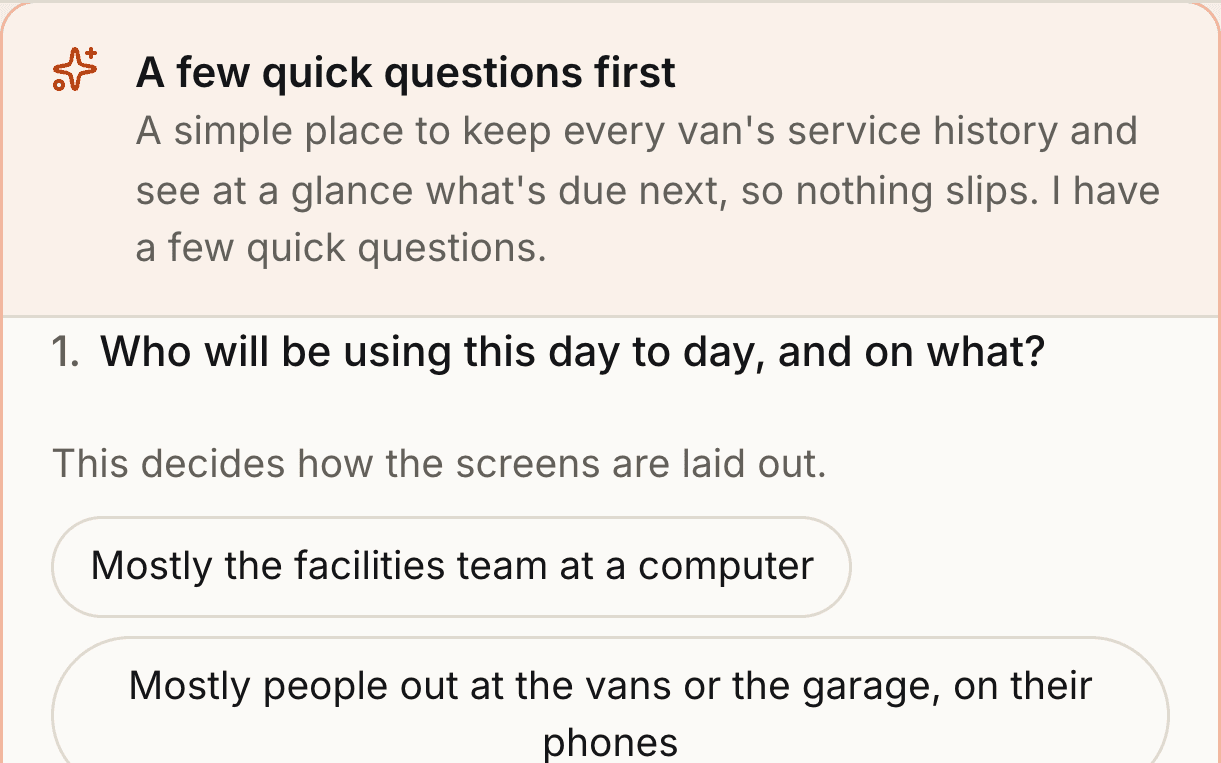
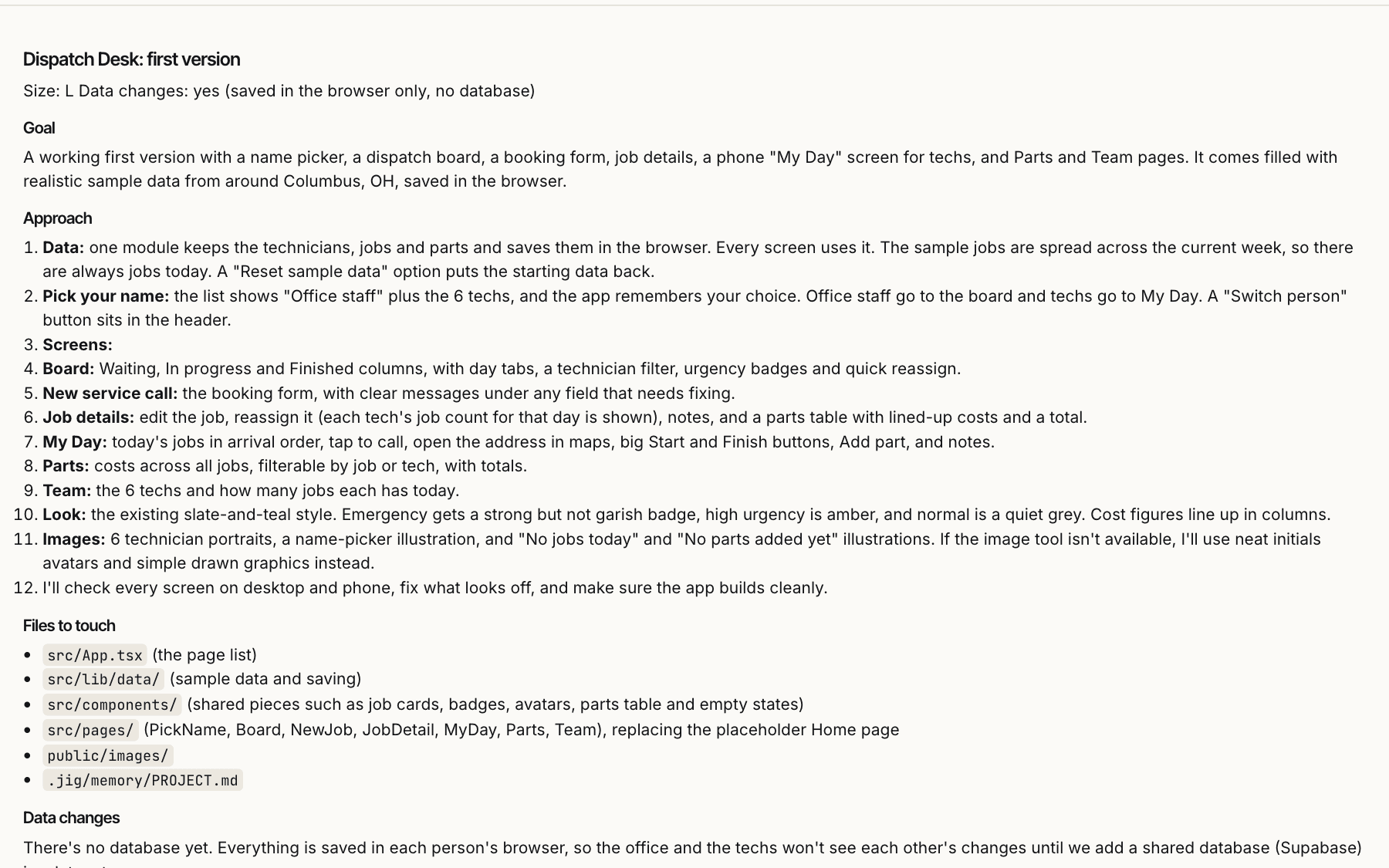
Five stops between your idea and a live link. These are real screens from real builds: a van maintenance log and Dispatch Desk.
A few questions written for your idea, and a look-and-feel picker with eight designed themes. Your answers become a written brief, the app’s theme and a hand-picked set of vetted skills. Then the first build starts.
Bigger changes arrive as a plan in plain English: the goal, the approach, the files it will touch, the risks. Approve it, edit it or throw it away. Small edits just happen.
Your AI engine writes the code while Jig reports progress in plain language. Each change is saved in git, so you can keep it, undo it, or go back to any earlier point.
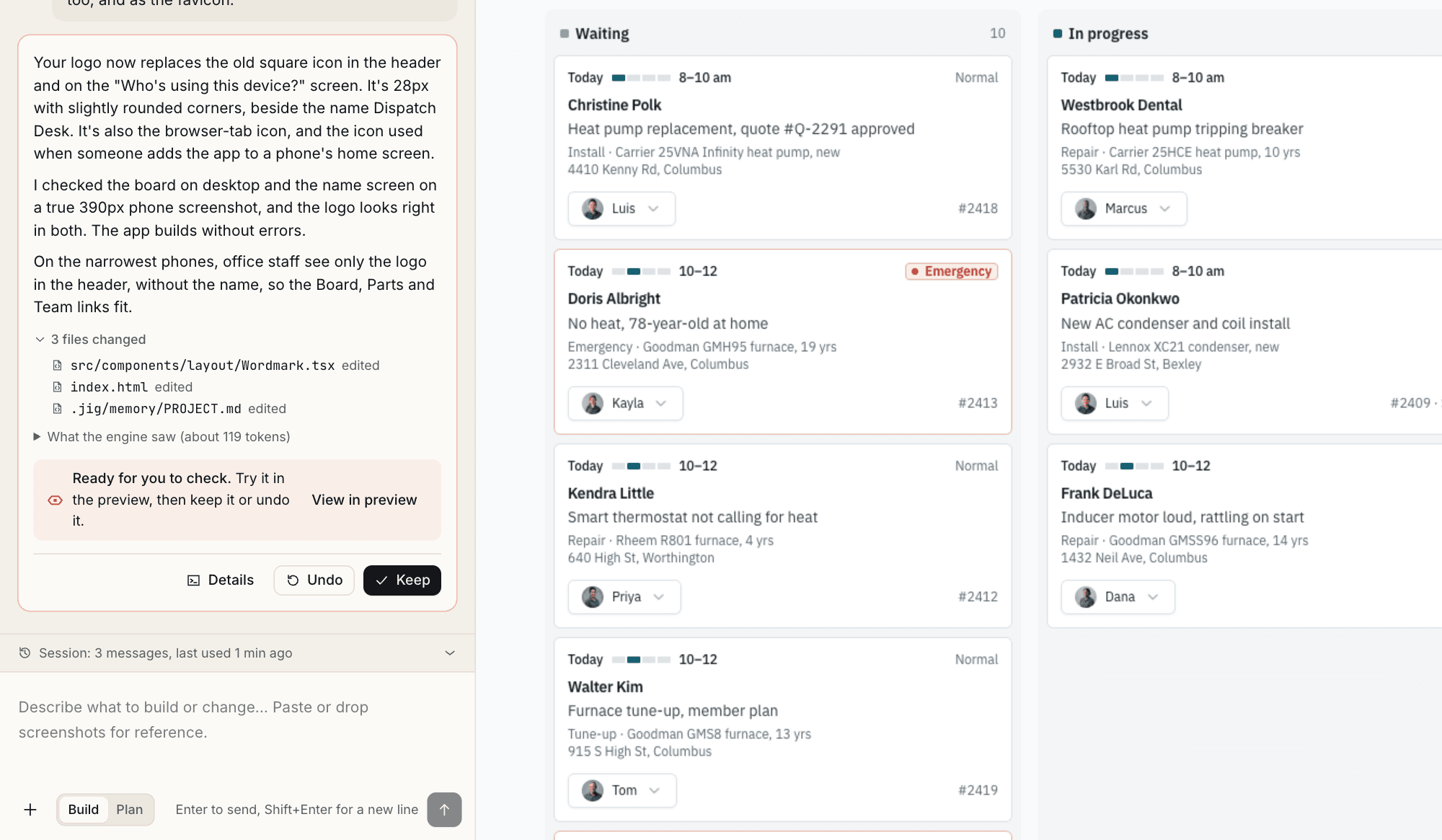
The running app sits beside the chat, with desktop, tablet and phone sizes. When something breaks, the error turns into a banner with Ask Jig to fix.
Publish to your own Netlify account, download a zip of the built site, or take a Dockerfile to your own servers.
Hosted builders keep your code on their servers and sell the AI back to you as credits. Jig keeps both with you.
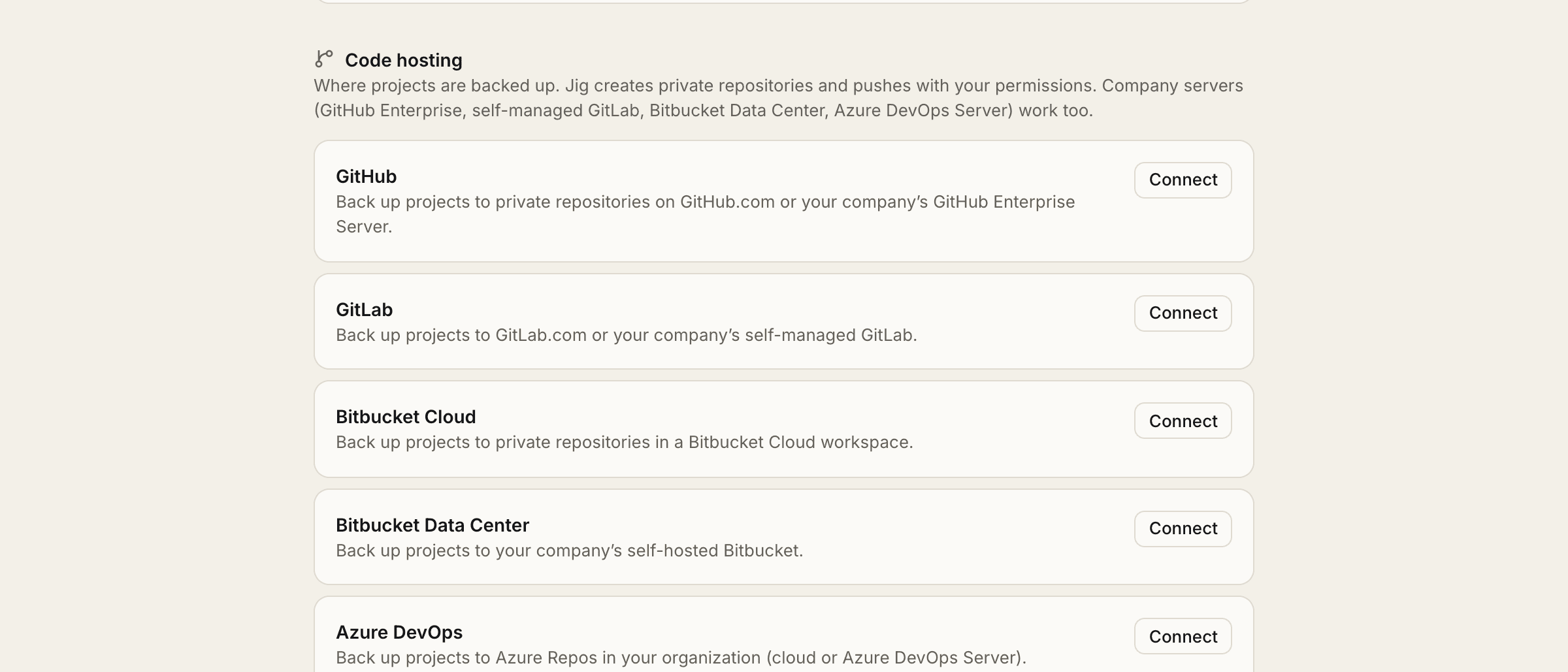
Here is everywhere your work can go, and the one place it never does.
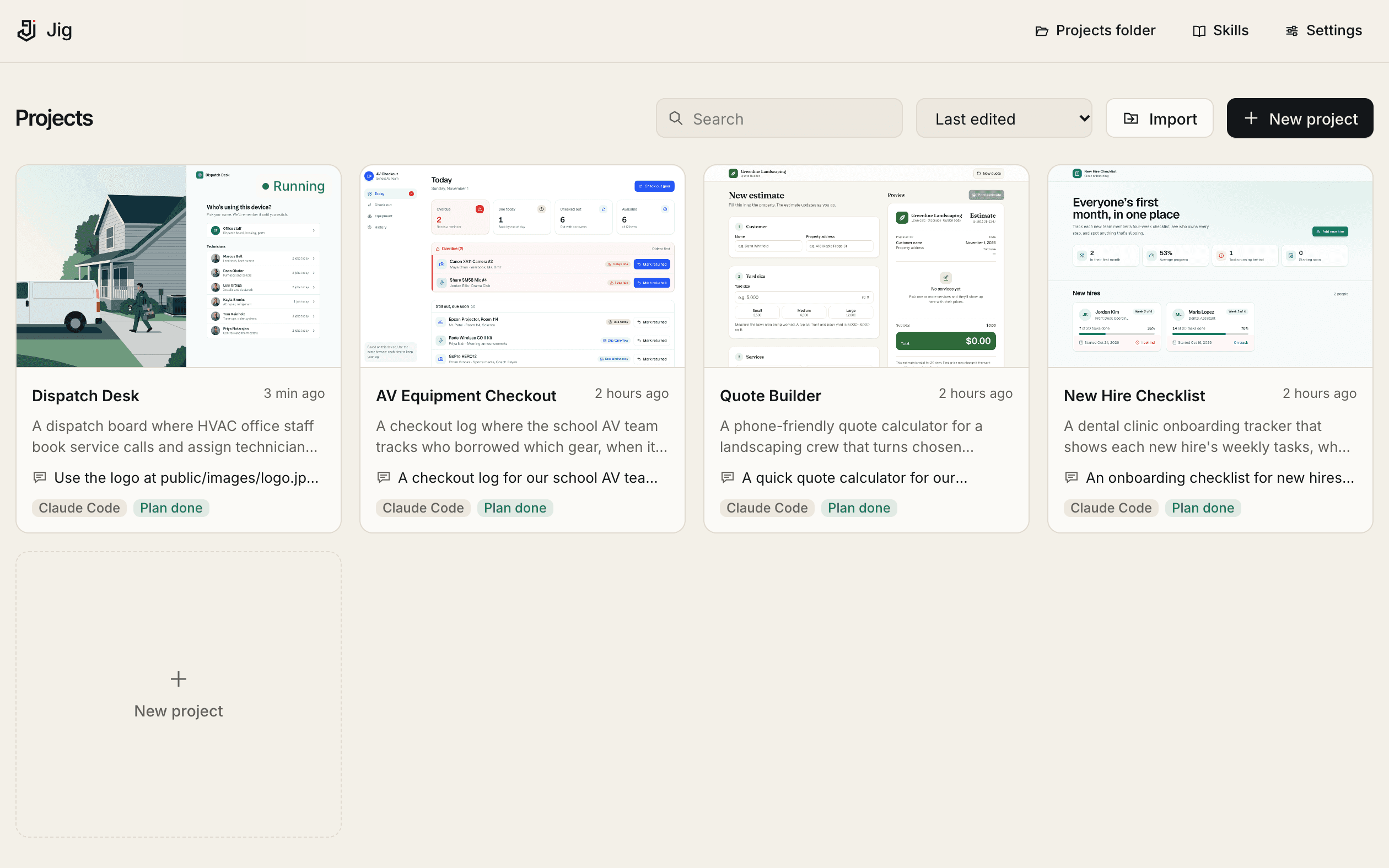
Each app is a card with its last request, its plan and a running preview.
See everything IT gets, and what leaves the computer
Every plan includes the full local builder. AI usage is billed by your AI vendor, never by Jig.
The full local builder, for anyone.
Everything in Free, plus:
Everything in Pro, plus:
No. You describe what you need and answer a few questions. Developers can open the same project folder in VS Code or a terminal whenever they like.
Claude Code is the default, on your own Claude plan or through your company’s Bedrock, Vertex AI or Foundry account. OpenAI Codex and opencode are available as experimental engines. Your AI vendor bills you for usage directly. Jig never charges for AI.
No. Your projects stay on your computer, prompts go straight from your machine to the AI provider you chose, and keys stay in your keychain. Jig Cloud only knows who you are and which version of Jig you run.
macOS 12 or later on Apple Silicon or Intel, Windows 10 or 11 (64-bit), and x64 Linux desktops. The desktop app can also open Jig in your browser. You also need an AI engine such as Claude Code, or an API key. See downloads.
So we know which version you run and can offer Pro and Enterprise. Accounts are free: sign in with Google, Microsoft, GitHub or email.
Nothing. They are ordinary folders and git repositories. Keep working on them in any editor, with any tool.
Yes. Jig can scan your Desktop, Documents and other folders for existing projects, link or move them into Jig, and write a short summary of each one.
Free to download. Bring the AI you already have.
Free for macOS, Windows and Linux.